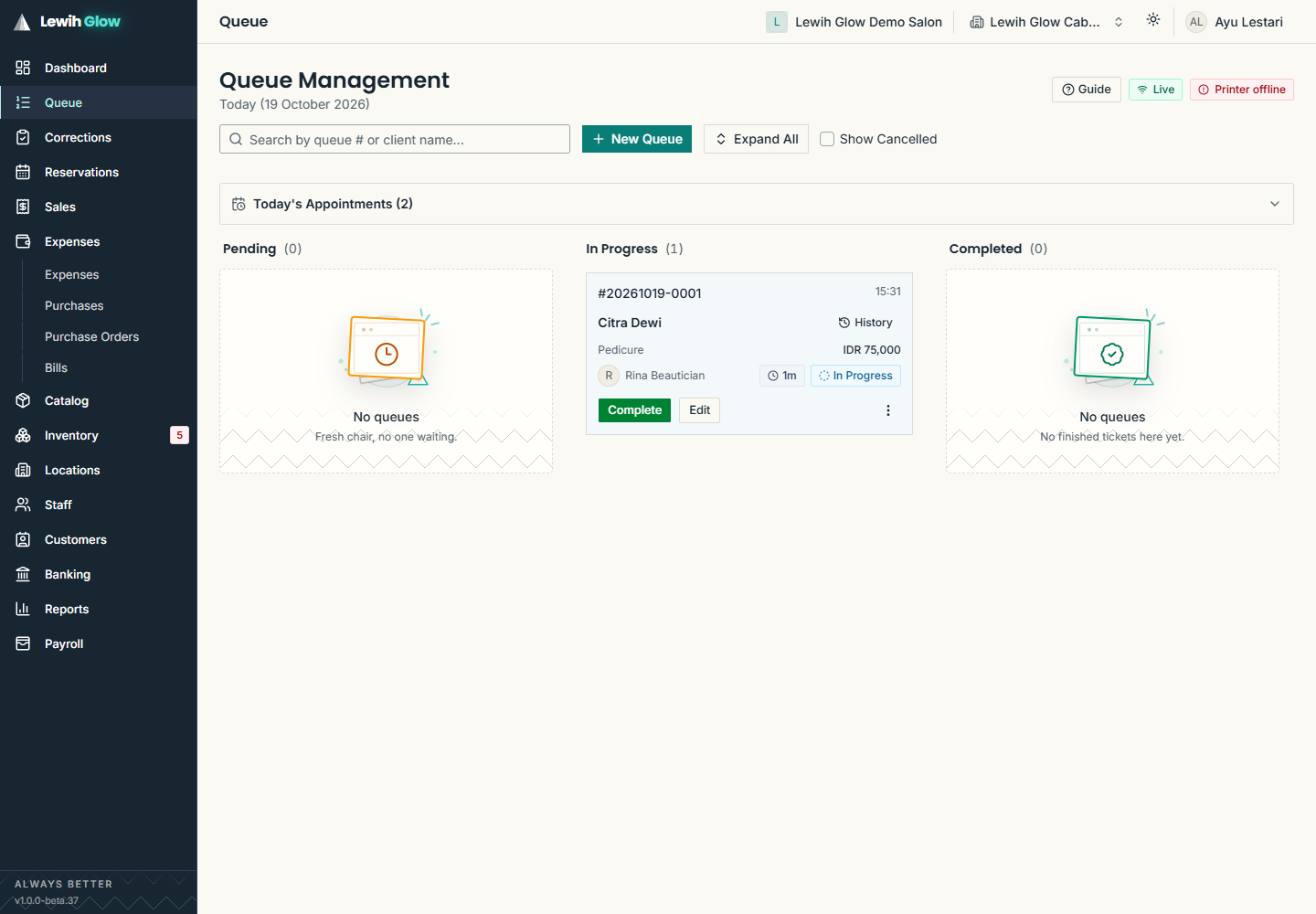
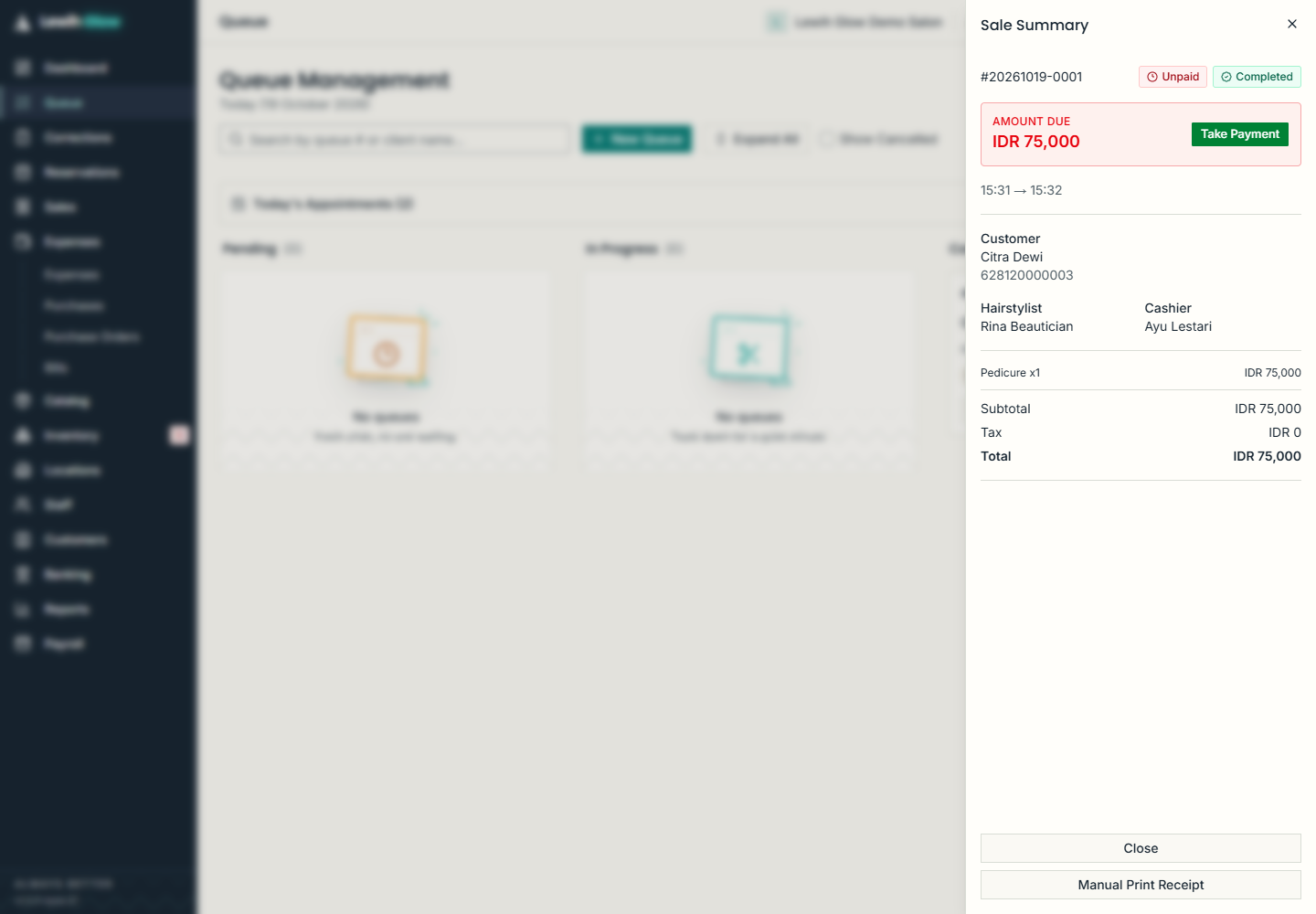
A visit is planned.
- Customer
- Customer name
- Service
- Selected service
- Schedule
- Visit time
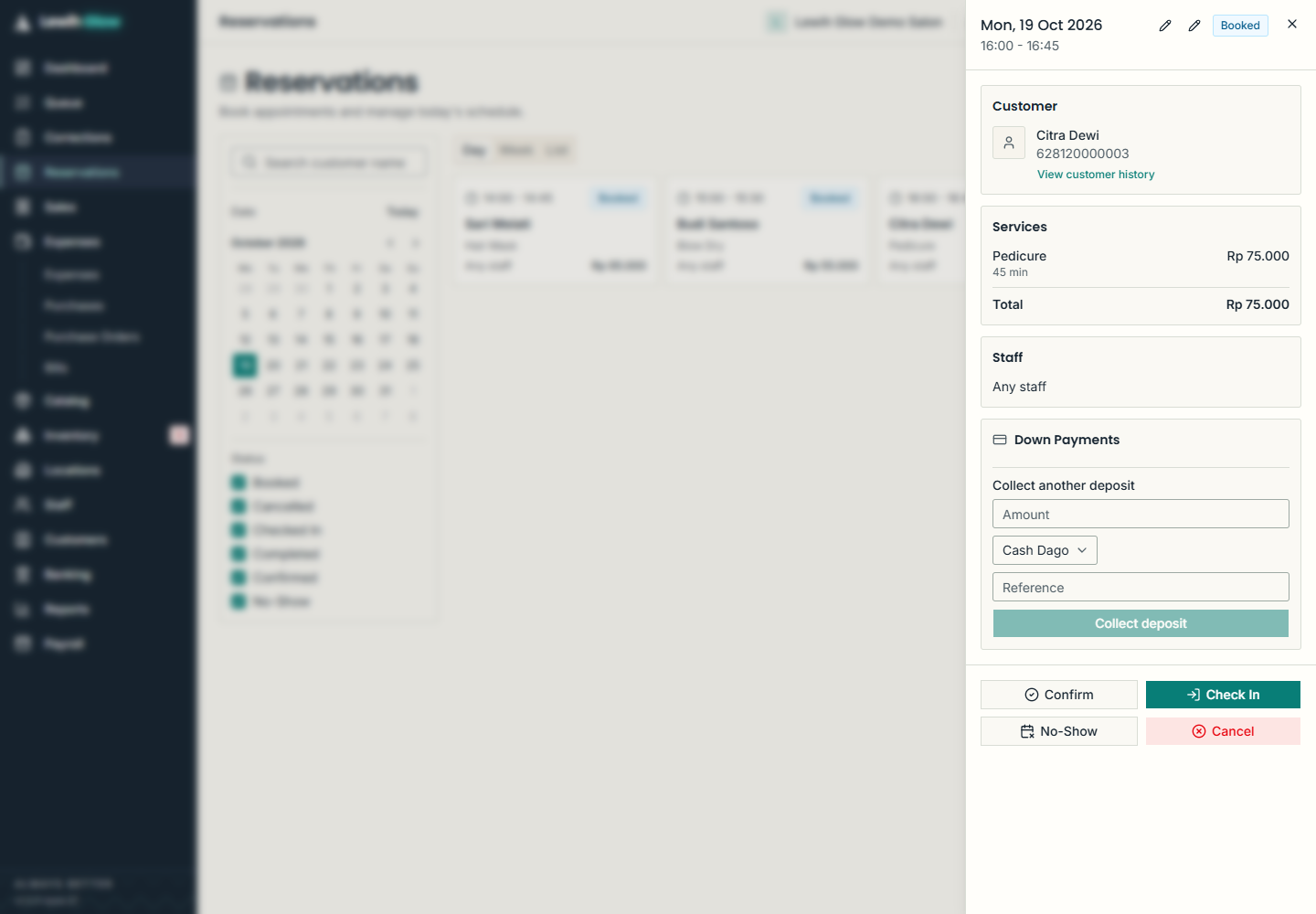
Review the reservation details before the customer arrives.
Born from the day-to-day operations at Gussy Salon.
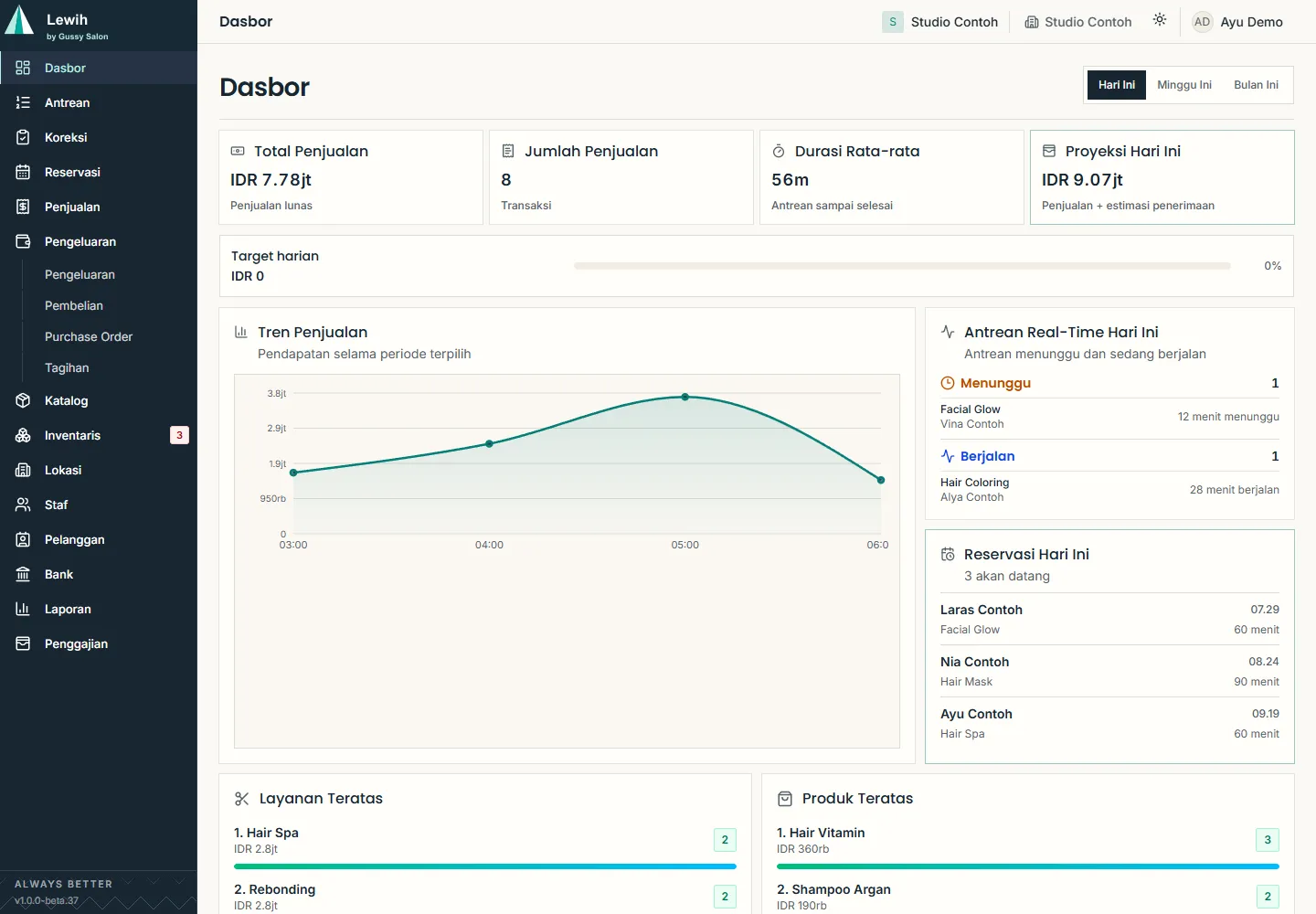
Keep an eye on queues and reservations, sales, stock, and services in progress from one dashboard.

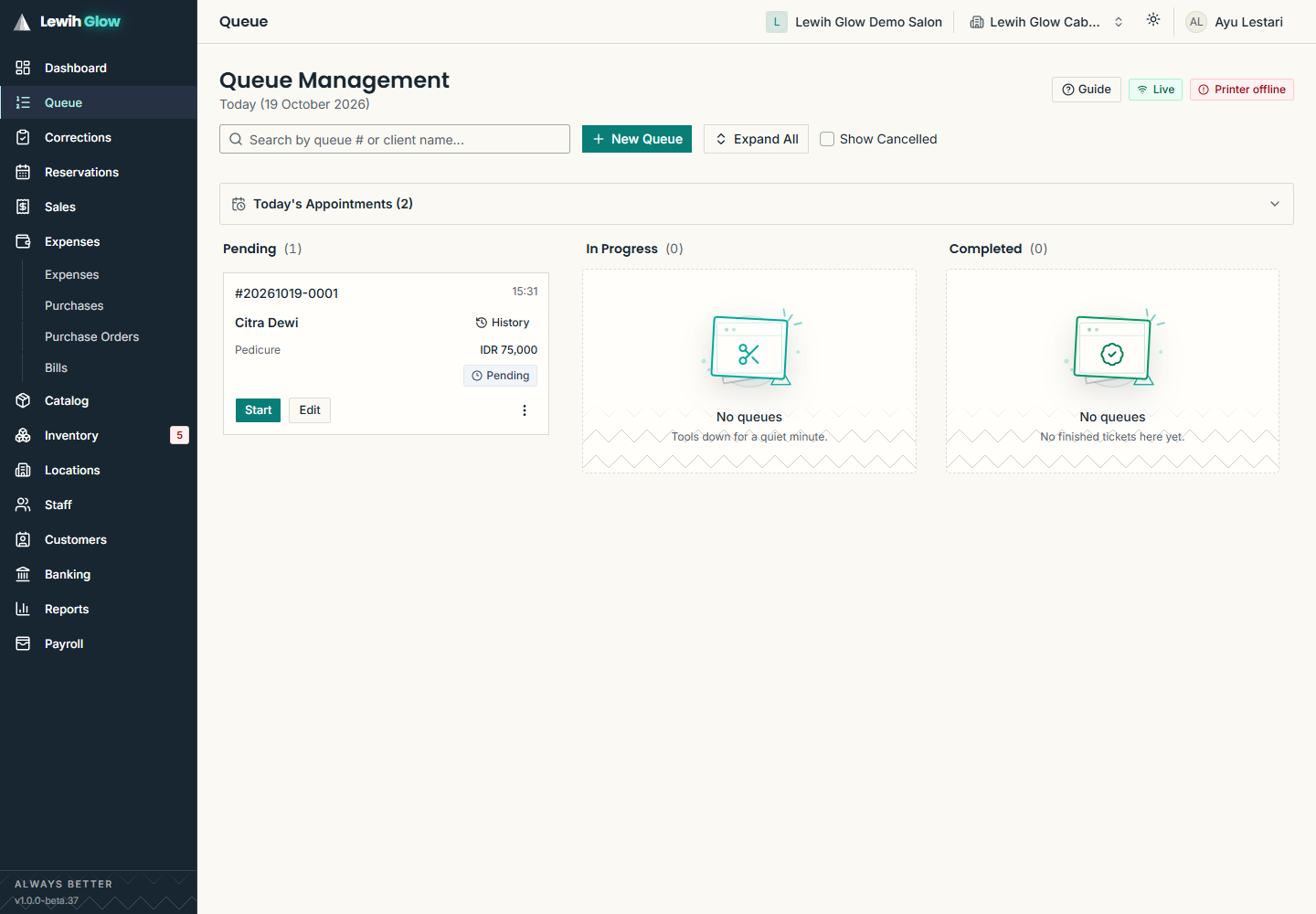
Staff record a reservation, check the customer in, start the service, then review the bill before payment.

Citra Dewi · 4:00 pm · Pedicure · IDR 75,000 · Booked
Schedule a visit, serve the customer, then review payment at checkout.Schedule a visit, serve the customer, then review payment at checkout.
Reservations and queue workflow (Bahasa Indonesia)Review the reservation details before the customer arrives.
Review expenses, stock movements, staff attendance, and customer history.
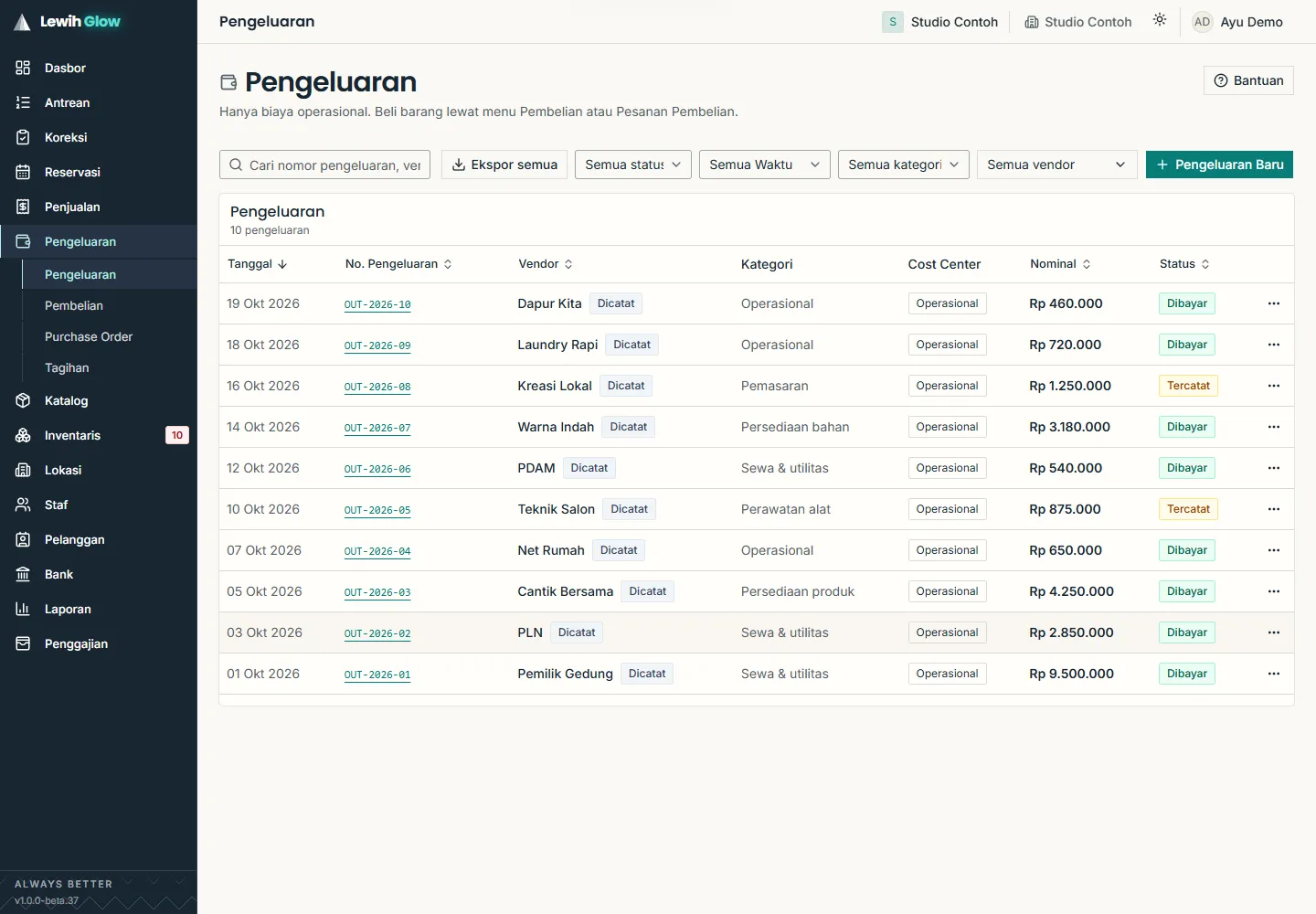
Review operating expenses and supplier bills as separate records. See their context before opening a report.
Operating expenses · Sample data
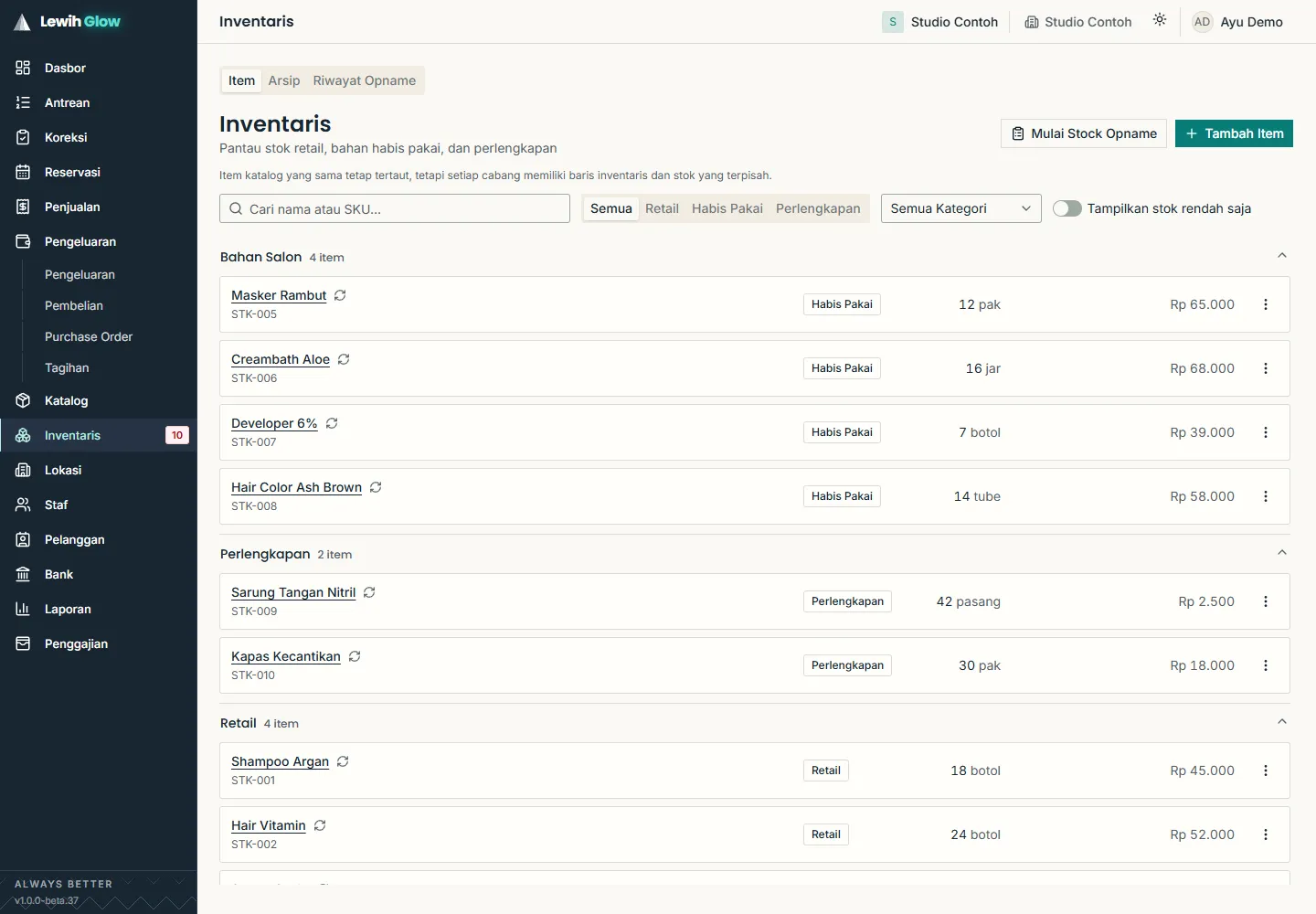
Review stock and its movement history. Purchasing, receiving, stocktaking, and transfers each have their own actions and records.
Inventory and stocktake · Sample data
Set work schedules and review attendance. Staff clock in and out from their phones with GPS location checks.
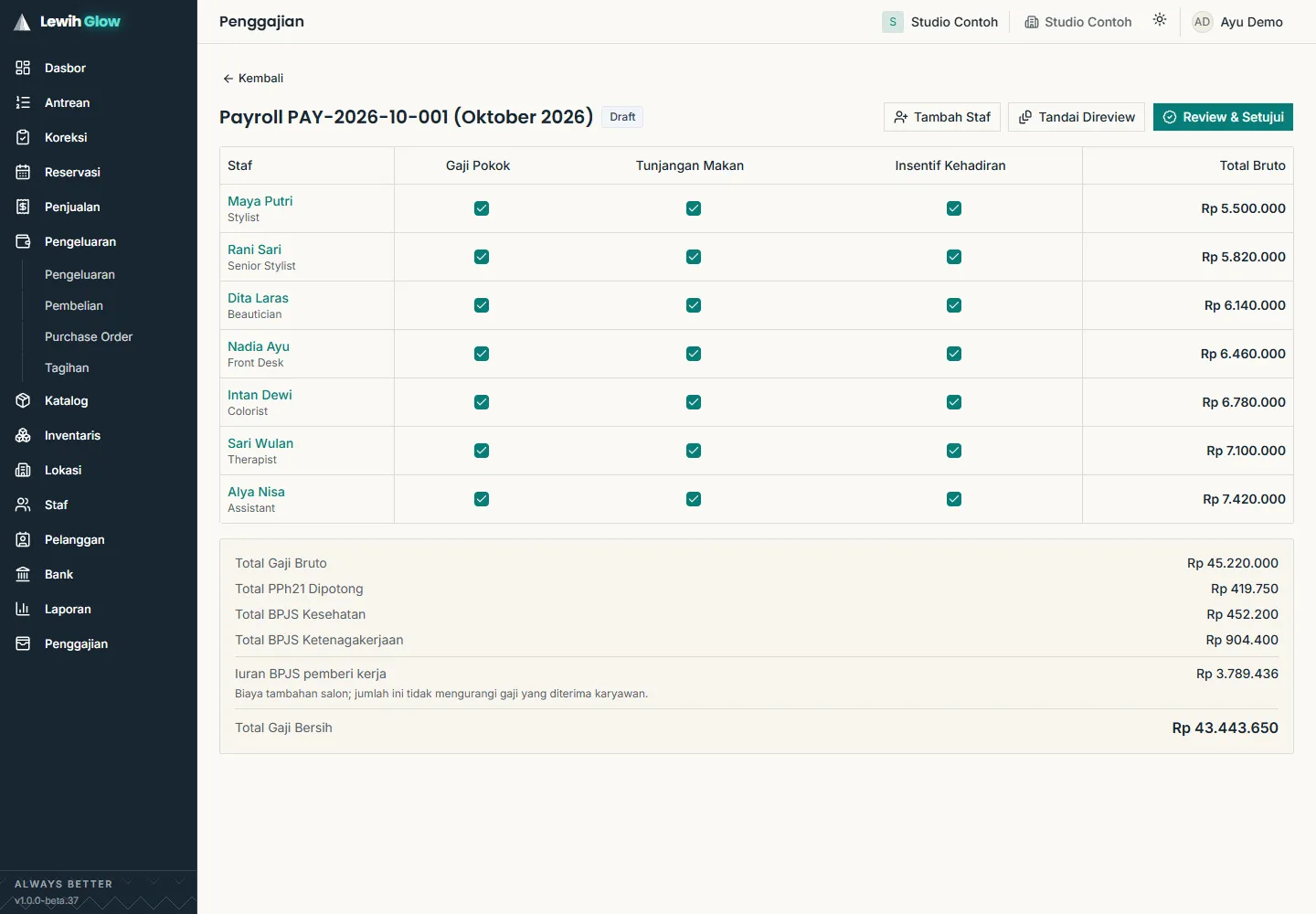
Prepare each pay period, then review salary details and deductions for each employee before approval.
Pro & Business: schedules, attendance, and leave. Business: payroll and payslips.Salary details, PPh21, and BPJS · Sample data
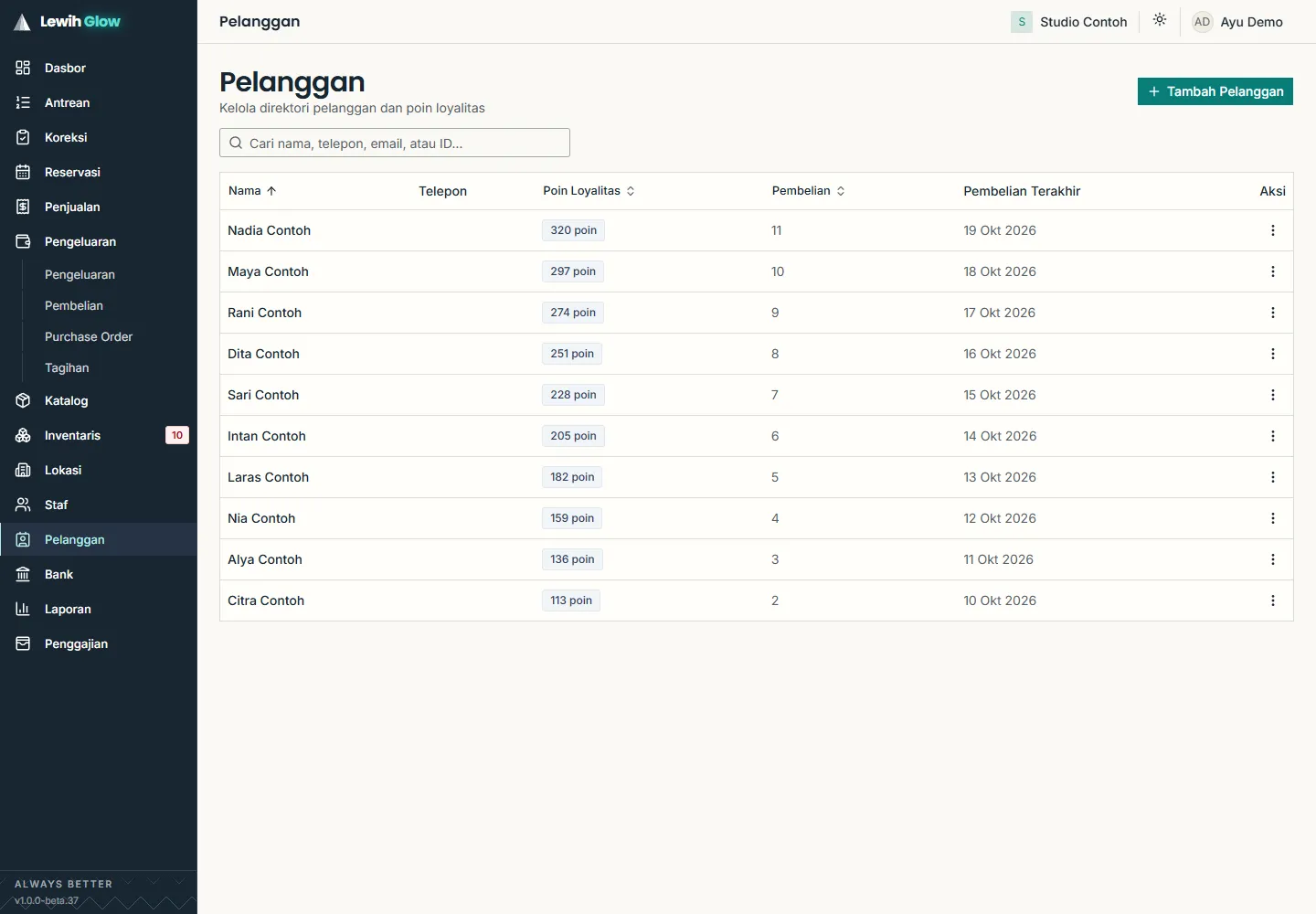
Profiles and visit history add context at the front desk. Points can be viewed and used according to salon rules when enabled.
Customer profiles and points · Sample data
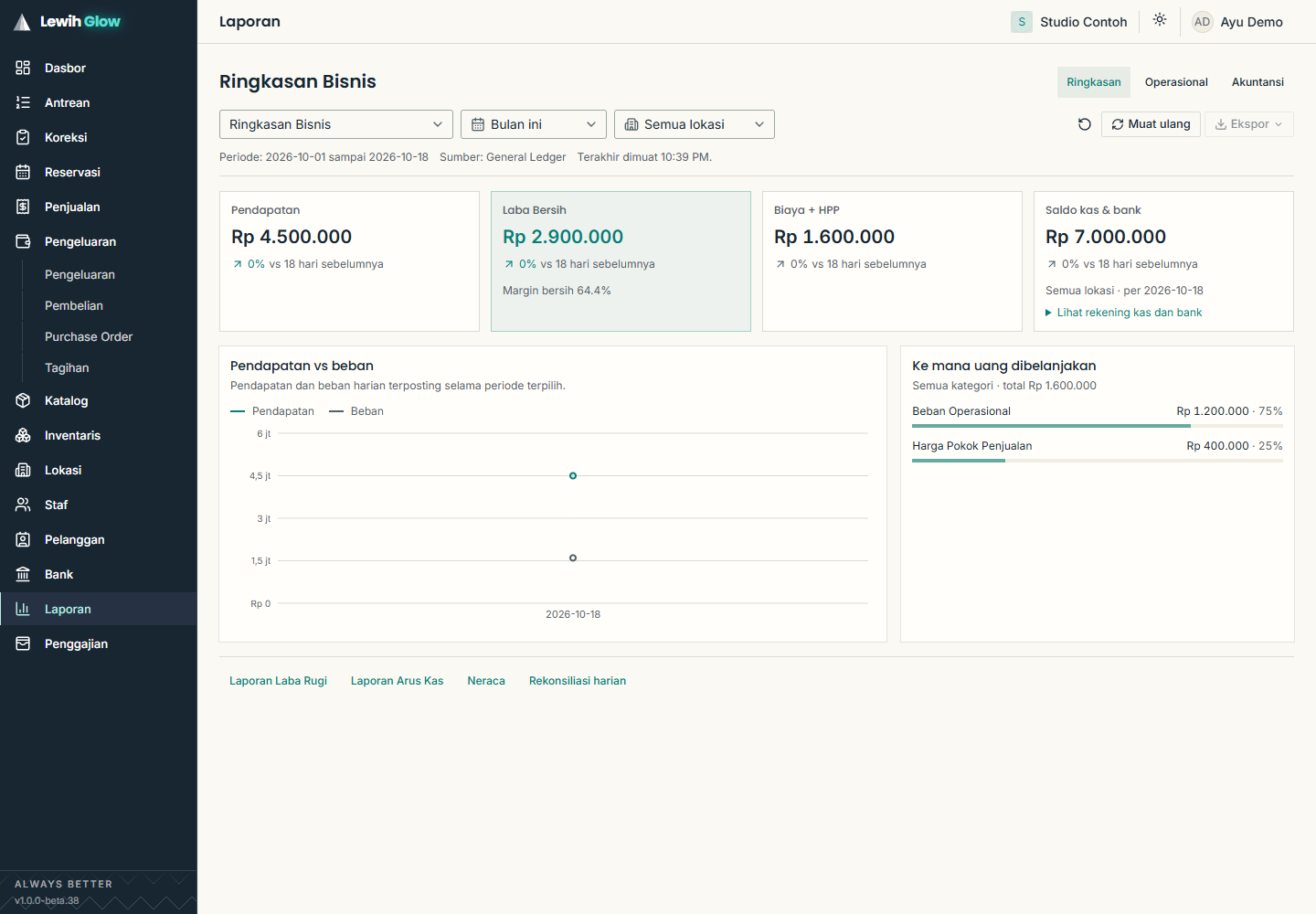
Start with the period summary, then review transaction, service, and product trends in sales performance.
Reports present business records. Cash and bank reconciliation is a separate step.
The report image could not load. Select the tab again to retry.

Loading the selected report
The Free plan is still available. Paid plans start at Rp99,000 per location per month.
Scroll the table to compare plans.
| Feature | Free | Pro | Business |
|---|---|---|---|
| Monthly price | Rp0 | Rp99,000 / location | Rp249,000 / location |
| Active locations | 1 | As needed, billed per location | As needed, billed per location |
| Users including the owner | 3 | 10 per active location | No count limit |
| Sales | 10 per day | No count limit | No count limit |
| Customers | 100 | No count limit | No count limit |
| Inventory and expenses | Not included | Included | Included |
| Staff Portal: schedule, GPS attendance, leave | Not included | Included | Included |
| Manager Workforce: schedules, attendance, leave, location policies | Not included | Included | Included |
| Paid payslips in the Staff Portal | Not included | Not included | Included |
| Reports | Business Overview, Income Statement, Sales Performance | Free reports + read-only GL Ledger | All released reports |
| Payroll and accounting configuration | Not included | Not included | Included |
Plan and payment details (Bahasa Indonesia)
Salons with no previous trial or paid subscription can try full Pro for 14 days through Billing in the app.
Pro pilot customers keep the Rp99,000 per-location monthly rate for 12 months from their first paid period.
Monthly payments are confirmed manually. Active locations are counted when the next period's payment request is created, with no proration or automatic debit.
A user assigned to several locations counts once. Access follows each user's role and locations. Reports under maintenance are unavailable in every plan.
Lewih is salon operations software for recording visits, sales, inventory, customers, and staff work, and reviewing business reports.
Salon owners and the teams running daily operations. User access follows their roles and the salon’s settings.
Lewih runs in a browser. Choose a screen that suits the task: a phone for reviewing information, or a tablet or computer for detailed work. The application needs an internet connection.
Yes. Staff can enter the customer, visit time, services, and assigned staff member. When the customer arrives, staff review the schedule and check them in to move the visit into the queue.
Staff create a walk-in visit and record the selected services. The visit is then managed through the queue; the customer does not need a reservation first.
Queue changes are shared with other staff screens while devices are connected to the internet. Updates may be delayed if the connection is interrupted.
Yes, once a receipt printer and the printing service are configured. Auto-print runs only when enabled and the printer is available; completed sales can also be reprinted.
You can prepare a pay period, review salary components, and move a payroll run through review and approval. Amounts follow the salon’s staff data and settings, so check them before approval.
No. Reports display available records. Matching cash and bank records requires a separate reconciliation process.
Inventory movements depend on product settings and recorded actions. Customer points follow the salon’s rules and are used only when loyalty is enabled.
The Free plan remains available. Paid plans start at Rp99,000 per location per month. Contact us on WhatsApp to confirm module access and the total cost before activation.
We confirm module access and the total cost over WhatsApp before activating a paid plan.
You can sign up directly in the app with the Free plan. Payment is only needed if you choose a paid plan; we confirm module access and the total cost over WhatsApp before activation.
No. Payment-method settings in Lewih are used only to calculate fees; they do not process customer payments. The salon continues to take payments through its chosen provider.
Send your request to support@lewih.com. Identify your account and request type without sharing your password. For customer or staff records entered by a salon, contact the salon administrator first.
Sign up with a Free account. Contact us on WhatsApp about paid plans.